Getting Started with cURL
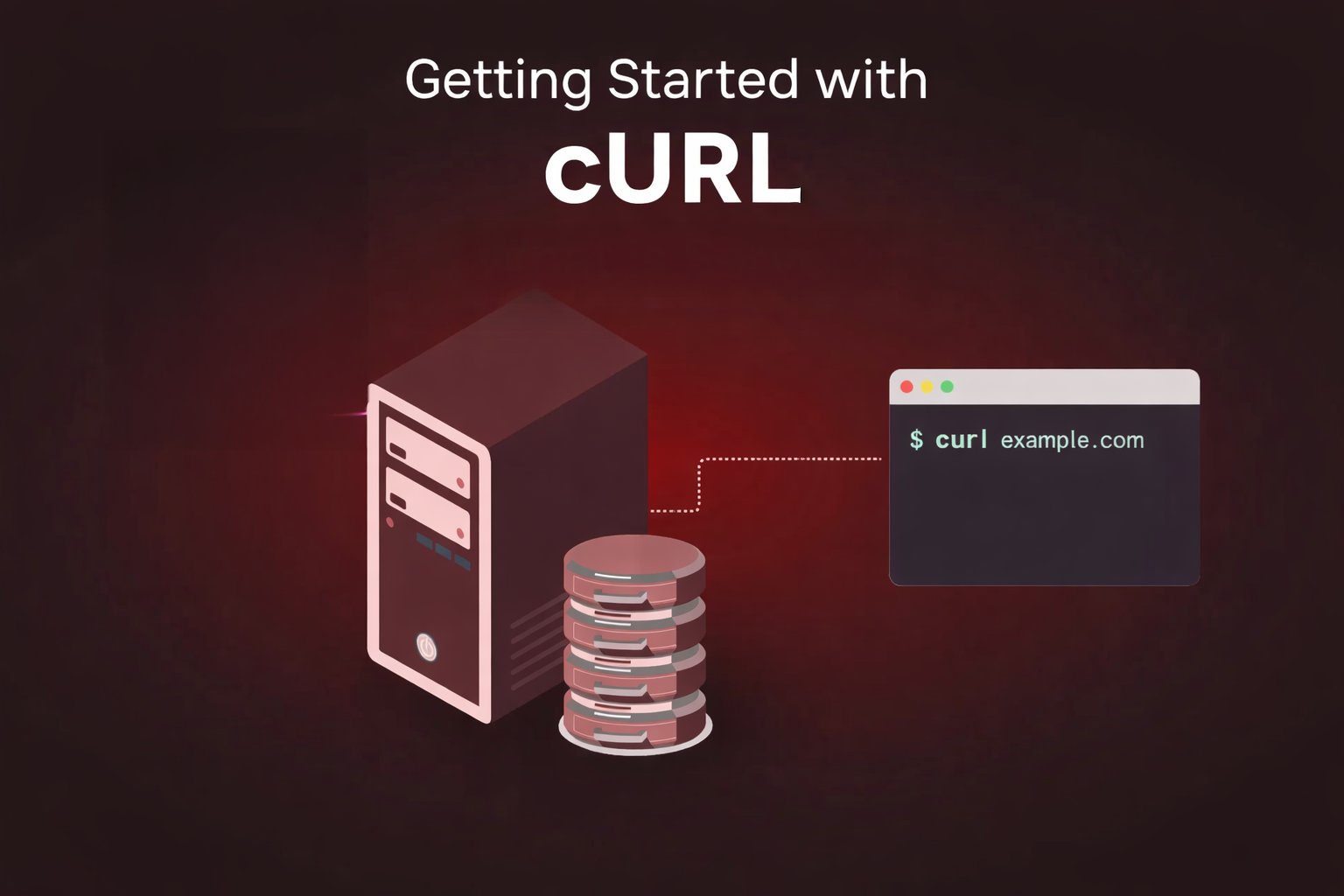
What is Server?
for understanding the curl we will start with server. So A server is just a computer which is always connected to internet.
This computer:
stores data
gives data when we ask
takes data when we send
For example:
When we open Google, Google server sends data to us
When we login somewhere, we send data to server
So whenever we use internet, we are actually talking to servers.
Simple Diagram: How cURL Works
textYour Terminal (cURL)  →  [Message: "Give me data!"]  →  Server
                                      ↓
                          [Reply: "Here's the data + status"]
                                      ↓
Your Terminal (cURL)  ←  Response (status code + data)
Why do we need to talk to servers?
Because:
Websites are stored on servers
Apps get data from servers
Login, signup, payment — everything needs server
If we cannot talk to server, internet will not work.
Usually browser talks to server for us.
But developers sometimes want to talk directly.
What is cURL?
cURL is a tool that helps us send message to a server from terminal.
That’s it.
Instead of browser, we use terminal.
Instead of clicking buttons, we type commands.
Why programmers need cURL?
As a beginner, this is what I understood:
Browser hides many things
cURL shows real response from server
We can test APIs without making website
We can check if server is working or not
Programmers use cURL because it is:
fast
simple
direct
My first cURL command
This was the first command I tried:
curl https://example.com
After pressing Enter, I saw a lot of text.
At first I got scared 😅
But then I understood — this is just the response from server.
What is request and response?
This is very important and simple.
Request
When we ask server for something, it is called request.
Example:
“Give me this webpage”
Response
When server replies, it is called response.
Response contains:
status (success or error)
data (page or information)
So flow is like:
You → Server → You
What does response mean?
Server response has two main things:
1. Status code
It tells what happened.
200means everything is OK404means page not found500means server has problem
2. Data
This is the actual content:
HTML
JSON
text
cURL shows this data directly in terminal.
GET and POST
GET
GET is used to get data.
Example:
curl https://jsonplaceholder.typicode.com/posts/1
This means:
“Server, please give me post number 1”
POST
POST is used to send data.
POST is used in:
login
signup
forms
Example idea:
curl -X POST https://tesst.com/login
I am not using many flags now because it becomes confusing.
Understanding idea is more important.
Using cURL to talk to APIs
APIs are also servers, but they send data instead of web pages.
I tried this API:
curl https://jsonplaceholder.typicode.com/posts/1
And I got data like this:
{
  "userId": 1,
  "id": 1,
  "title": "sunt aut facere repellat provident occaecati excepturi optio reprehenderit",
  "body": "quia et suscipit\nsuscipit recusandae consequuntur expedita et cum\nreprehenderit molestiae ut ut quas totam\nnostrum rerum est autem sunt rem eveniet architecto"
}%
This is how apps get data from backend.
Browser vs cURL (what I feeel)
Browser
shows design
hides technical things
easy for users
cURL
shows raw data
no design
good for learning and testing
Same server, different way to talk.
Where cURL is used in backend
From what I learned:
testing APIs
checking server response
debugging issues
learning how internet works
Many backend developers use it daily.
Final thoughts (from a learner)
I am still learning, but now I am not scared of cURL.
For me:
cURL = talking to server from terminal
If you understand this, you are already doing good.
I will learn more about:
sending JSON
headers
authentication
Maybe I will write next blog also 😊


